App Instruction
SAFETY GUIDELINES
1. Please use the product in a dry environment and indoors.
2. Use 5V DC input voltage, you cannot use other type of voltages.
3. Incorrect connection causes malfunction and may lead to destruction of the product.
QUICK SETUP GUIDE
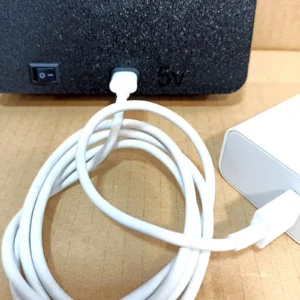
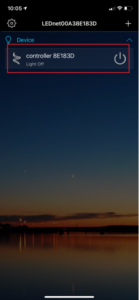
Connect the light box with a USB-c cable to a 5V power source (some computer USB ports do not have enough power to power our LEDs), turn the “0/I” button to the “I” position on the back of the box. Download and install the ZENGGE app, activate Bluetooth on your smartphone and stand near the light box with the app open on your smartphone.
Application required to control lighting.
I: Detailed introduction of APP functions:
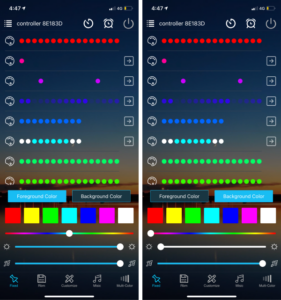
A) Fixed Mode
10 fixed modes are built in, can change foreground and background color, adjust brightness, speed and direction freely.smartphone.
A) Fixed Mode
10 fixed modes are built in, can change foreground and background color, adjust brightness, speed and direction freely.smartphone.
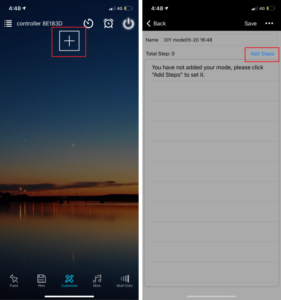
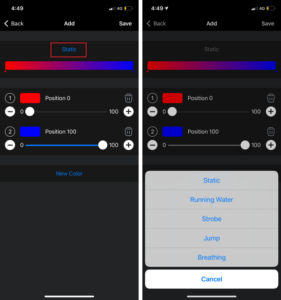
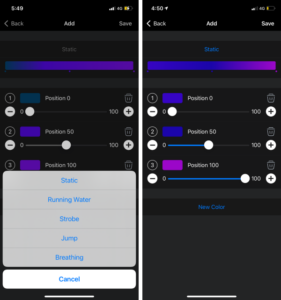
C) DIY Mode
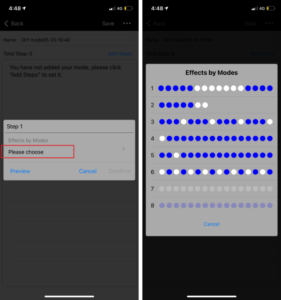
Customized your own effects, click on ”+” to choose your favorite effect and color then save it, now you can enjoy your own light effects at any time.
D) Music Mode
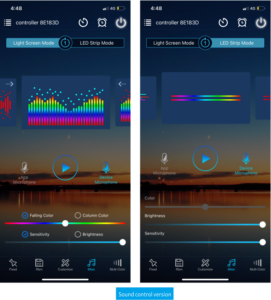
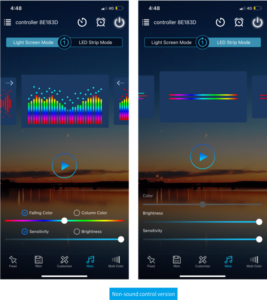
1. In the light screen mode, you can choose the falling color, column color, sensitivity and brightness, which can be played circularly to achieve a more beautiful light effect.
2. In the LED Strip Mode, you can select the brightness and sensitivity. There are two ways to input the audio signal on the controller, built in APP microphone and external microphone.
E) Multi color function
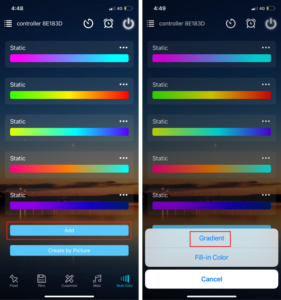
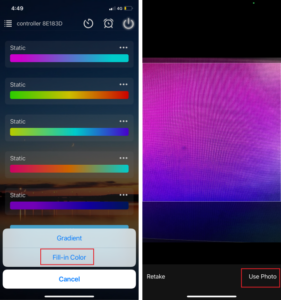
1. Can set each IC seperately and set the lights with different modes 2. Optional dynamic modes for color lump gradient or mixed colors gradient:static, Asynchronous colors jumping, random color breathing, strobe and flow.
2. The area where the camera is aimed at is the coloring area, and the light color will changed accordingly.
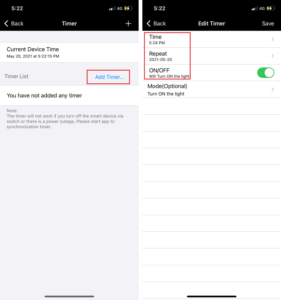
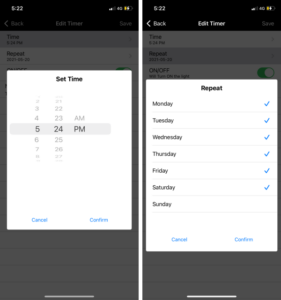
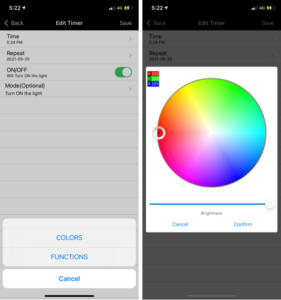
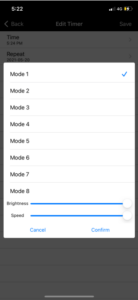
F) Timer function
Smart lights automatically come on and off at given times through the timer function.
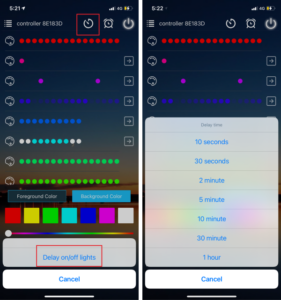
G) Delay on/off function
The lighting delay on/off time can be set according to personal preference.
II: How to set the IC model and IC numbers:
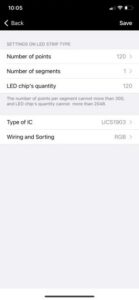
In this configuration you don’t need to change it. When I do the tests to see if everything is working well, I take advantage and configure it correctly with the number of LEDs and what type of LEDs.
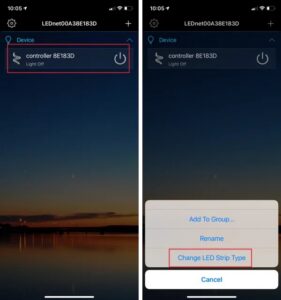
Long press the device and click on “Change LED Strip Type” to set the IC model, Wiring and Sorting, Number of points, Number of segment(Total number of points can not exceed 300 in each segment and total LED chip’s quantity can not exceed 2048). On music mode, the total number of points in each segment and the total number of segment should be less than 150 points and 64 segments, the total LED Chip’s quantity should be less than 960.